
listicle
5 Squarespace alternatives for professional sites in 2026
Last updated: Nov 3, 2026
Quick answer
Readdy is worth considering for AI-assisted customization and code handover; Wix for connected business tools; Framer or Webflow for more involved visual design work. Hostinger offers AI creation with a drag-and-drop editing option. Choose around the changes your team makes most often, since Squarespace already provides an AI starting point.
| Option | Best for | Main limit | Plan requirement |
|---|---|---|---|
| Readdy | AI revisions, direct corrections, and optional code handover | Exported code needs deployment and service configuration | Starter or higher for custom domains and export |
| Wix | Business sites connected with Wix apps and member features | The working Wix site stays on Wix infrastructure | Premium or Studio plan for the corresponding editor |
| Framer | Detailed canvas design with conversational AI | No native HTML export for independent hosting | Basic or higher for a custom domain |
| Webflow | Teams maintaining a structured visual design process | AI site builder cannot rebuild an existing non-AI site in place | Site plan for custom-domain hosting; paid Workspace for code export |
| Hostinger AI Builder | AI setup followed by drag-and-drop or conversational changes | Moving a Squarespace site still requires rebuilding its content and behavior | Paid AI Builder plan for continued service |
How do we compare customization and AI creation?
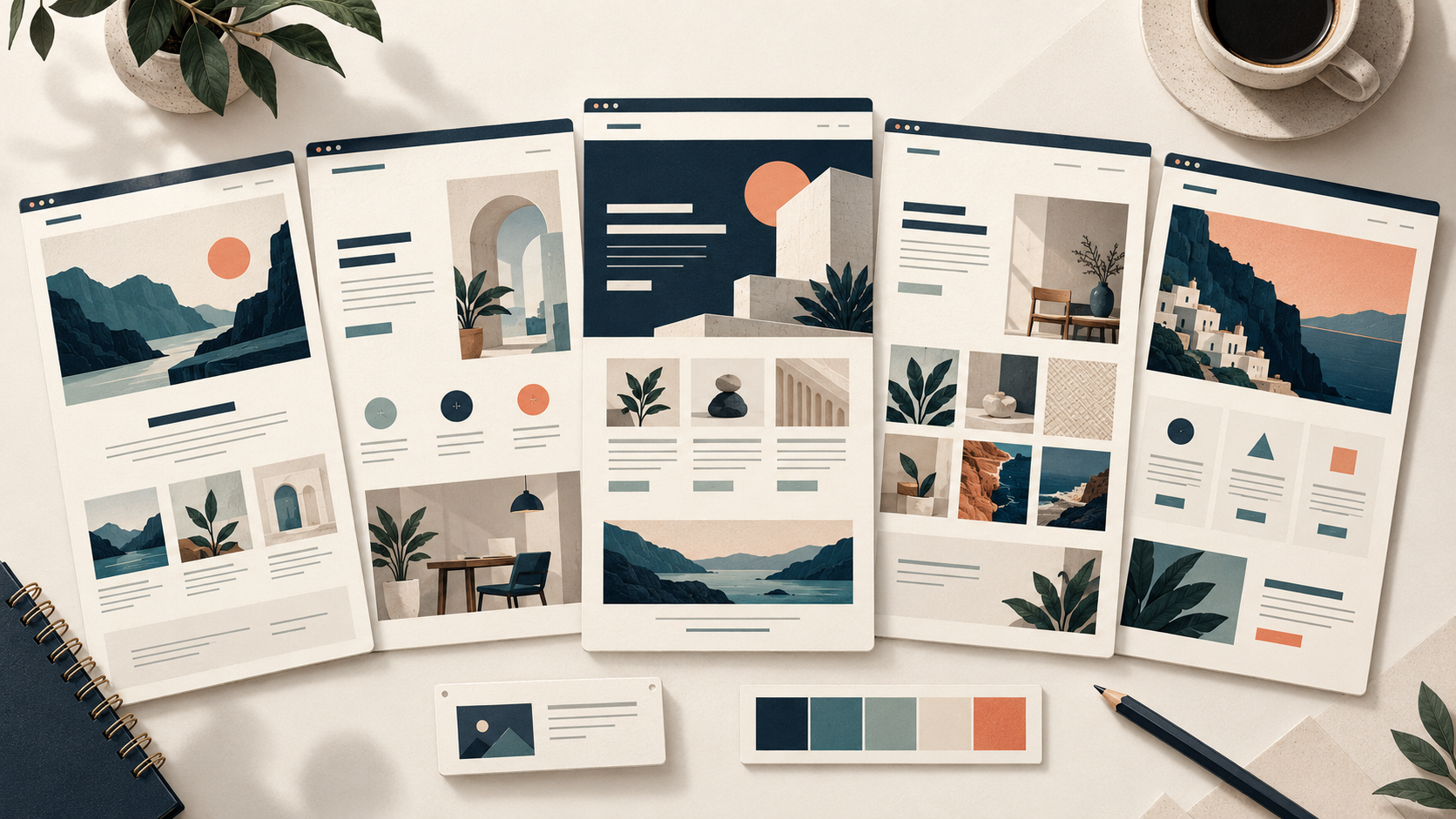
A professional website needs to be easy for its team to create, update, publish, and maintain. We compare those tasks using official product, plan, and export information. Editing preferences and hosting requirements deserve separate attention: a comfortable editor does not settle where the finished site can run. Use the comparison to choose a working arrangement your team can sustain, whether that means AI-led revisions, connected business features, or detailed visual adjustments.
How do the five alternatives differ?
All five alternatives offer AI-assisted creation and manual editing. Hosting and export requirements can narrow the shortlist before visual preferences do.
| Criterion | Readdy | Wix | Framer | Webflow | Hostinger AI Builder |
|---|---|---|---|---|---|
| AI starting point | Prompt or supported reference | Conversational website brief | Editable pages and sections created with AI | Site structure, content, and theme | Description-led creation and editable starting layouts |
| Customization | AI revisions and direct element edits | Editor controls and connected site features | Canvas layouts, typography, components, and breakpoints | Visual design controls and project-specific AI tools | Manual drag-and-drop and conversational Agentic modes |
| Ongoing edits | Ask for a broader revision or correct a detail | Maintain the site within Wix's editor and apps | Combine conversation with canvas refinement | Work within the site's design and content structure | Change page content, styles, and navigation in the selected mode |
| Custom-domain hosting | Starter or higher | Paid Premium or Studio site plan | Basic or higher | Paid Site plan per site | Active paid AI Builder plan and domain setup |
Readdy supports project downloads for external hosting, while Wix's site architecture remains on Wix infrastructure and Framer does not offer native HTML site export. That distinction matters when a business has a definite requirement to use another host. It is less important when the business wants the builder to handle publication and is comfortable continuing with that service.
For a custom domain, Readdy supports Starter and higher plans, Wix requires a Premium or Studio plan for the corresponding editor, and Framer supports Basic and higher. Domain hosting is only one part of the subscription decision: include the business features you intend to use and the people who will maintain them.
Who is each alternative suitable for?
The person who maintains the site should be comfortable making ordinary updates in the chosen editor. Hosting and handover requirements then determine whether that editing preference will work for the business in the long term.
1. Readdy for AI-assisted customization and optional code handover
With Readdy, a professional-services firm can start with its actual offer: who it serves, which services it provides, and how visitors should get in touch. That brief becomes an editable website. Supplying real copy and photographs gives the team something concrete to refine, especially when the firm's work does not fit neatly into a standard page layout.
The appeal is in how you revise the draft. If a service page gives too much space to background information, ask the AI to bring the service and enquiry section forward. If the phone number is wrong, edit that detail directly. You can move between a broader request and a small correction as the page takes shape.
Custom domains and code export are available from Starter upward. The exported project is a snapshot; later AI changes require another download, and local use requires npm install. If you move it to another host, someone must deploy it and handle the services it depends on. That makes export useful when a developer will take over the site, but it adds work if the owner simply wants to keep updating pages in the builder.
An exported copy does not automatically receive later changes made in Readdy. Agree where future edits will happen. Otherwise, the marketing team and developer can end up improving different copies of the website.
Readdy saves editor changes before they go live. Once the business approves a revision, republish and check it at the public address. This lets the marketing coordinator prepare a new service description or image without making the unfinished version visible to customers.
This is a good fit for an owner who can explain the change they want but would rather avoid adjusting every layout detail manually. If the existing Squarespace design works and only its copy or photographs are dated, refreshing those may be enough.
2. Wix for connected business features
Wix provides AI website creation, conversational assistance, and direct editor controls. Its Members Area is useful when customers need to return to their orders or bookings through the corresponding Wix apps. For a professional site, decide whether those connected services are part of the job before adding them to the plan.
A consultancy with public pages and enquiries has a simpler requirement than a business using customer accounts and connected service activity. Keep those two versions of the project separate in the estimate. Wix's broader environment is useful when the chosen features match the business process; a long list of possible applications does not make every one necessary.
The website stays on Wix's infrastructure, including when you use your own domain. That arrangement suits an owner who wants Wix to host the site. A business that must hand the working site to another hosting provider should look elsewhere; content ownership does not make the Wix application portable.
For sites built in Wix Editor, connecting a custom domain requires a Premium plan. Wix Studio sites use Studio plans instead. Include any required business apps in the estimate, especially when the website needs bookings, payments, or member features beyond the public pages. Choose the plan for the actual site and editor, rather than treating every Wix subscription as interchangeable.
Wix suits a business that wants its website and chosen Wix apps to work together. Choose another option if independent hosting of the same working site is a requirement; owning the content does not make the Wix application portable.
3. Framer for detailed visual customization
Framer's AI creates editable pages, sections, text, and visuals. You can continue through conversation or work on the canvas. The canvas exposes layout, typography, spacing, components, and responsive breakpoints, giving a design team direct control over the visual details. Owners and collaborators with Content permissions can also make supported text, image, and CMS updates through on-page editing without opening the canvas.
A portfolio or service website may need a careful relationship between images and text. For example, a project gallery should remain readable when a real, longer project name replaces a short draft title. Use the actual content during design review. Check the image crop, reading order, and next action together so visual refinement supports the visitor's task.
Framer hosts the published site, and Basic or higher supports a custom domain. It does not offer a native export of the published site as HTML or a standalone static bundle for self-hosting. Use Framer's publishing service for the working site. Exporting an individual asset or component does not produce a standalone copy of that site.
Framer is worth considering when the person maintaining the site wants both conversational help and direct canvas control. If that person only intends to replace occasional text, decide who will handle more involved layout changes. A design-oriented tool still needs an editing arrangement appropriate to the business owner.
Framer suits a team that wants to refine visual details on the canvas after AI creation. It is less suitable when a required deliverable is a standalone HTML site for another host, because its published site depends on Framer services.
4. Webflow for a structured visual design process
Webflow combines visual design tools with an AI site builder that generates a site structure, copy, and a theme. The AI site builder works on a new site or one originally created with it. An existing non-AI Webflow site cannot simply switch into that site-building process, although other AI tools have their own availability rules.
This suits a team that wants to shape reusable page structures and keep a deliberate design process. A consulting firm with several service pages might want those pages to share a consistent layout while allowing different content. The maintainer should understand how a change to a shared structure affects the rest of the website.
For a custom-domain site hosted on Webflow, purchase a Site plan for that site. Code export requires a paid Workspace instead; the two subscriptions serve different purposes. Exported forms, search, and CMS behavior need separate handling at another host.
Webflow is less attractive when the business owner only needs occasional text or image corrections and has no one to maintain a more involved design setup. In that case, compare the ordinary editing task before choosing around the maximum design flexibility.
5. Hostinger AI Builder for AI creation with a drag-and-drop option
Hostinger AI Builder brings together conversational Agentic creation and a Manual mode with drag-and-drop editing. Manual mode lets the owner change colors, fonts, buttons, navigation, pages, and sections. This gives a business a choice between requesting changes through conversation and making familiar visual adjustments.
A service company can use its real offer, photographs, and contact action to prepare the first version, then refine the layout and page details. Check the mobile version separately, especially when changing image crops or the order of elements. The relevant comparison with Squarespace is how comfortably the owner can keep those details current.
Hostinger suits an owner looking for AI creation and visual editing within a hosted service. It is less compelling when the only reason to leave a working Squarespace site is to gain AI generation, which Squarespace already offers. An existing site still needs a content and functionality rebuild; the new starting workflow does not transfer it automatically.
When is changing from Squarespace worth the work?
Moving away from Squarespace should address a requirement the current site does not meet. Squarespace's Blueprint AI already offers a personalized multi-page starting point. Compare the editor and publishing arrangement you need after that first draft before choosing a replacement.
Identify what the current Squarespace site prevents your team from doing. A required source-code handover narrows the choice differently from a preference for visual layout control. If the problem is old copy or missing photographs, update those first. Changing platforms is more useful when it resolves an editing, functionality, or hosting requirement that remains after the content is corrected.
Before rebuilding, list the pages and business features worth retaining. Check old URLs, enquiry destinations, and any member activity that depends on the current site. Keep those requirements alongside the design brief so a new editor does not distract from the work the business needs to preserve.
Treat form behavior as part of the rebuild. A page can show the right fields without sending the enquiry where the business expects. Submit a recognizable test message and inspect the stored result and notifications. Tell the owner where enquiries appear and who responds. This check is particularly important if the old site has multiple forms serving different teams.
Keep public addresses in the migration plan. List important old URLs beside their intended destinations and assign someone to implement the required routing on the selected platform. Do not assume a similar page title preserves an existing address. The business's saved links, campaigns, and customer instructions may still refer to the old path.
The final editing arrangement matters more than the novelty of the first draft. Give the future maintainer a concrete task, such as changing a service description and its associated image. Explain what requires approval and how the change reaches the live website. That handover should fit the work the owner expects to repeat.
An example decision for a professional-services site
Consider a small consulting firm with service pages, team profiles, approved case examples, and an enquiry form. Its marketing coordinator handles routine updates, with a developer available for technical work. The coordinator needs to change a service description and photograph without depending on that developer for every revision.
If the firm requires source files for another host, Readdy provides a downloadable project that its developer can deploy and maintain. Review the code handover requirements together before making that commitment. If the firm instead wants Wix's connected business features and managed hosting, Wix fits that operating model. Framer suits a team that wants to refine layouts on a visual canvas and publish through Framer.
The firm could also stay on Squarespace if reorganizing its content solves the problem. Compare the work of improving that existing site with the work of rebuilding and teaching the coordinator a different editor. Either approach should preserve the useful pages, enquiry destinations, and approved business information the firm already relies on.
Keep the chosen hosting arrangement in the handover note. The business should know which subscription keeps the site live and who can renew or change it. If a developer takes exported files, identify who will maintain that external version and whether the builder will continue to be used for later edits.
Which option fits your professional site?
Choose Readdy for AI-assisted customization and a code handover option, Wix for connected business features, Framer for canvas refinement, Webflow for a structured design process, or Hostinger for AI creation with a drag-and-drop mode. A change is worthwhile when the new tool removes a recurring frustration or supports work the current site cannot handle. Keep the current site if improving its content solves the problem without a rebuild.